Manage alerts
Camunda Cloud allows you to get notified when Process Instances stop with an error. There are two types of reporting,
- By mail to the email address of your user accounts
- By webhook
Create an alert
To create a new alert you have to navigate into the Alert tab:
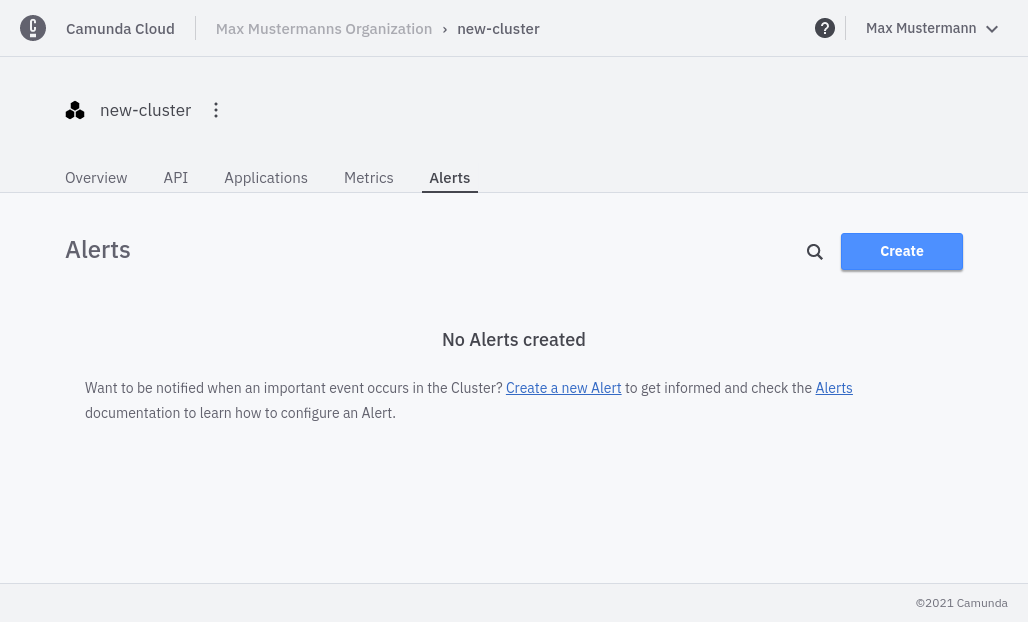
Click Create to create a new alert.
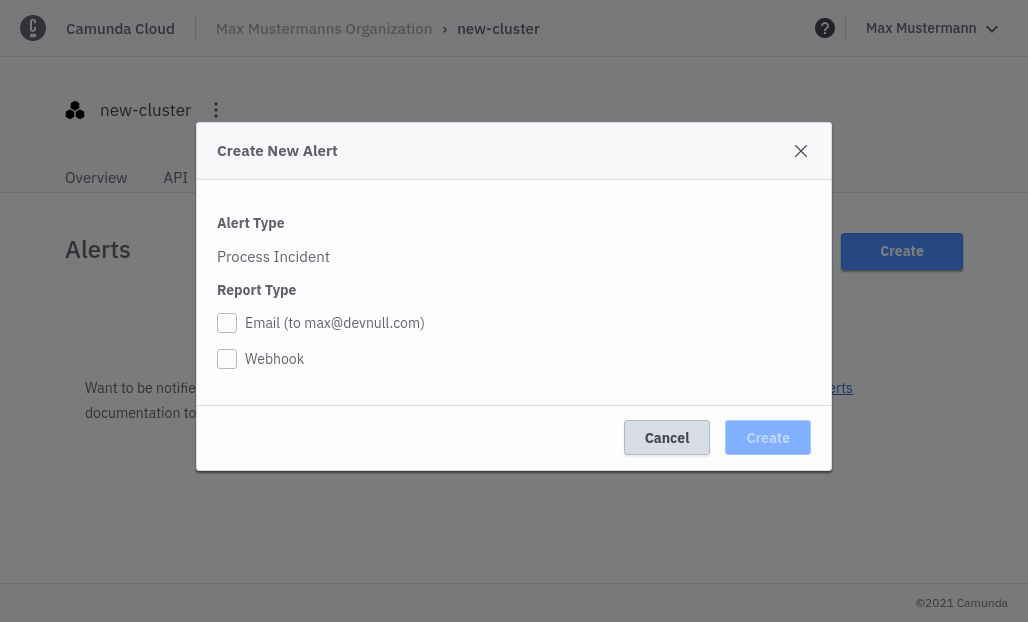
You can choose between Email and Webhook. For Email no further information is needed.
To create a Webhook alert, you need to provide a valid webhook url that excepts POST requests.
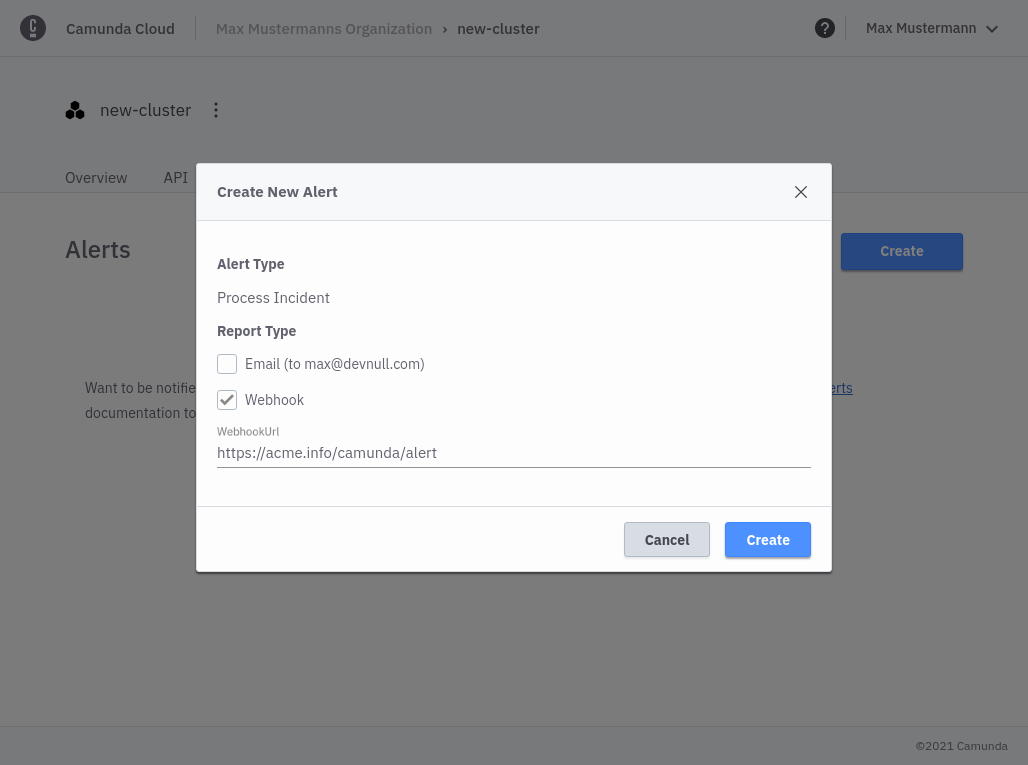
You can only have one Email alert per Cluster but you can create multiple Webhook alerts if needed.
Webhook alerts
Webhook alerts contain a JSON body with following structure:
{
    operateUrl: string, // direct link to the incident in operate
    processInstanceId: string // id of the failed process,
    errorMessage: string, // error message as seen in operate
    errorType: string, // error type
    flowNodeId: string, // id of the flow node that created the error
    jobKey: string, // key of the failed job
    creationTime: string, // the time when the error was created
    processName: string, // name of the failed process
    processVersion: number, // version number of the failed process
}