Process landscape visualization
Camunda 8 only
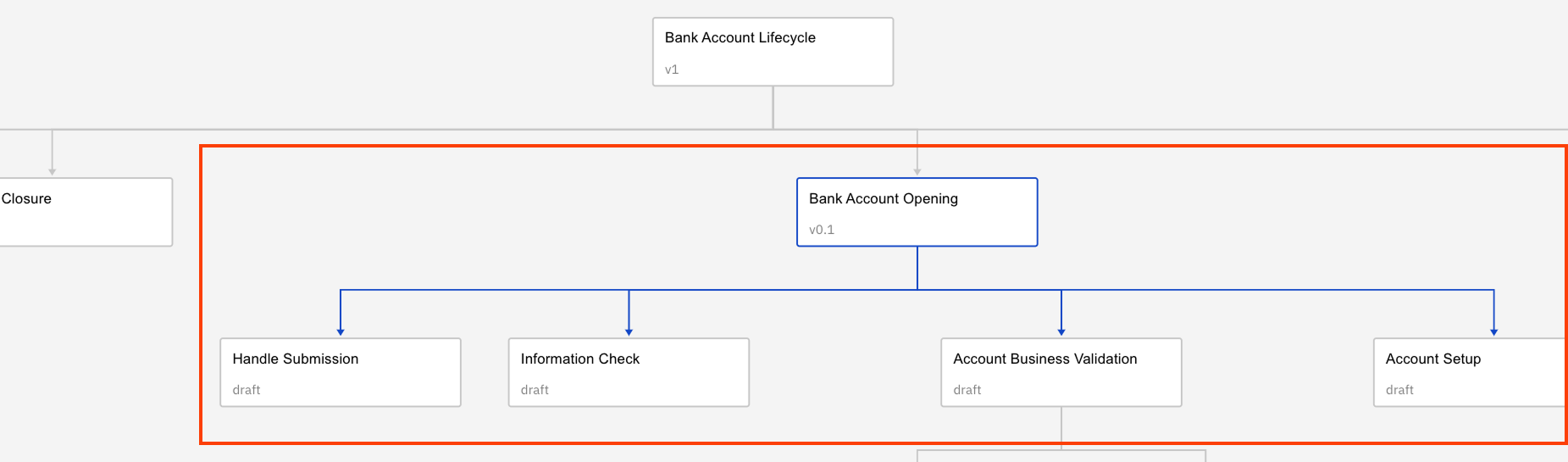
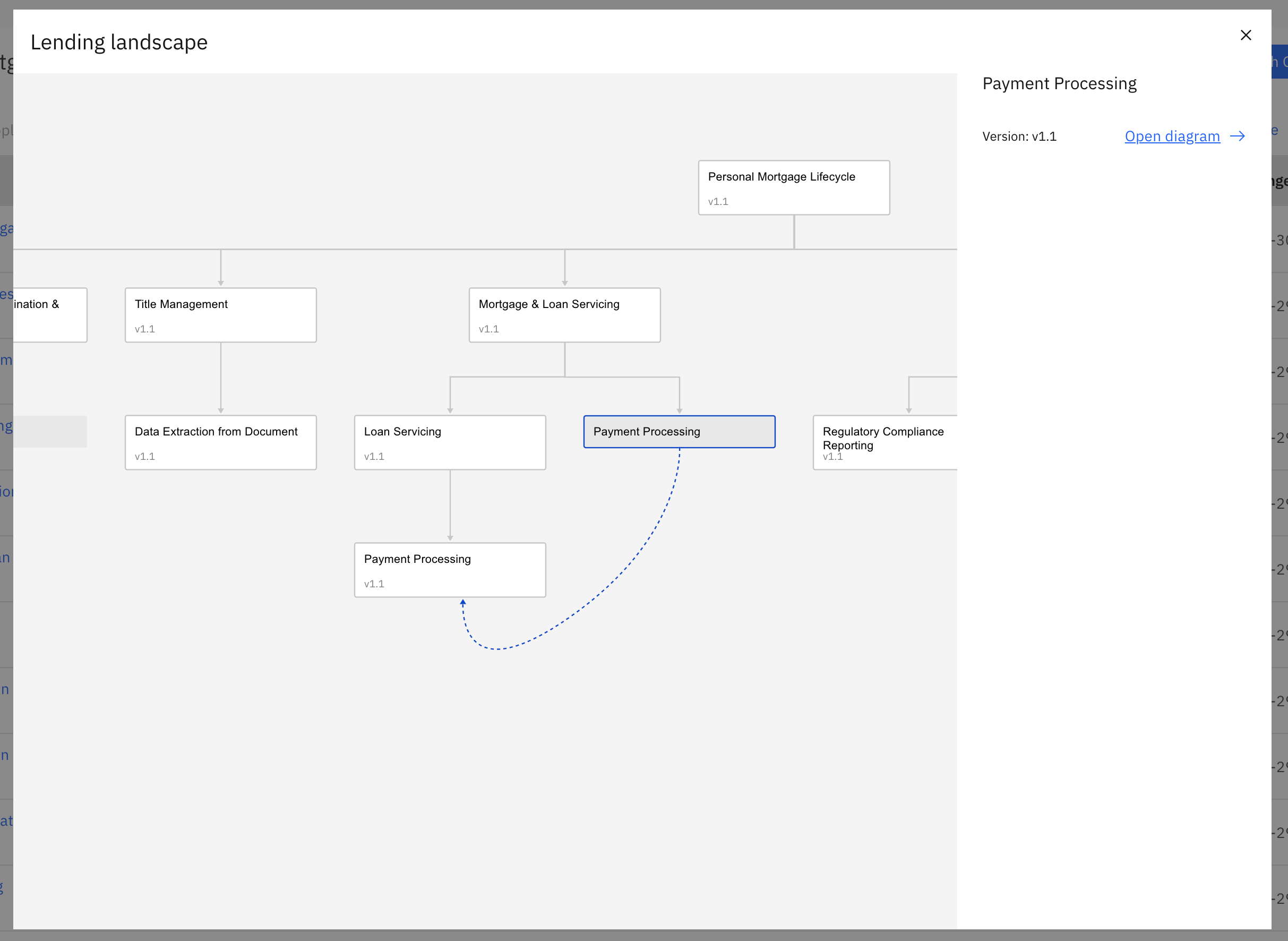
Process landscape view provides a visual map of BPMN files in a project and interfile call activities connections between them.
- Quickly understand process dependencies, flow relationships, and overall project structure in a single interactive canvas.
- The view is automatically generated from all BPMN diagrams within a project, offering insights without the need for manual maintenance or updates.
Open process landscape view
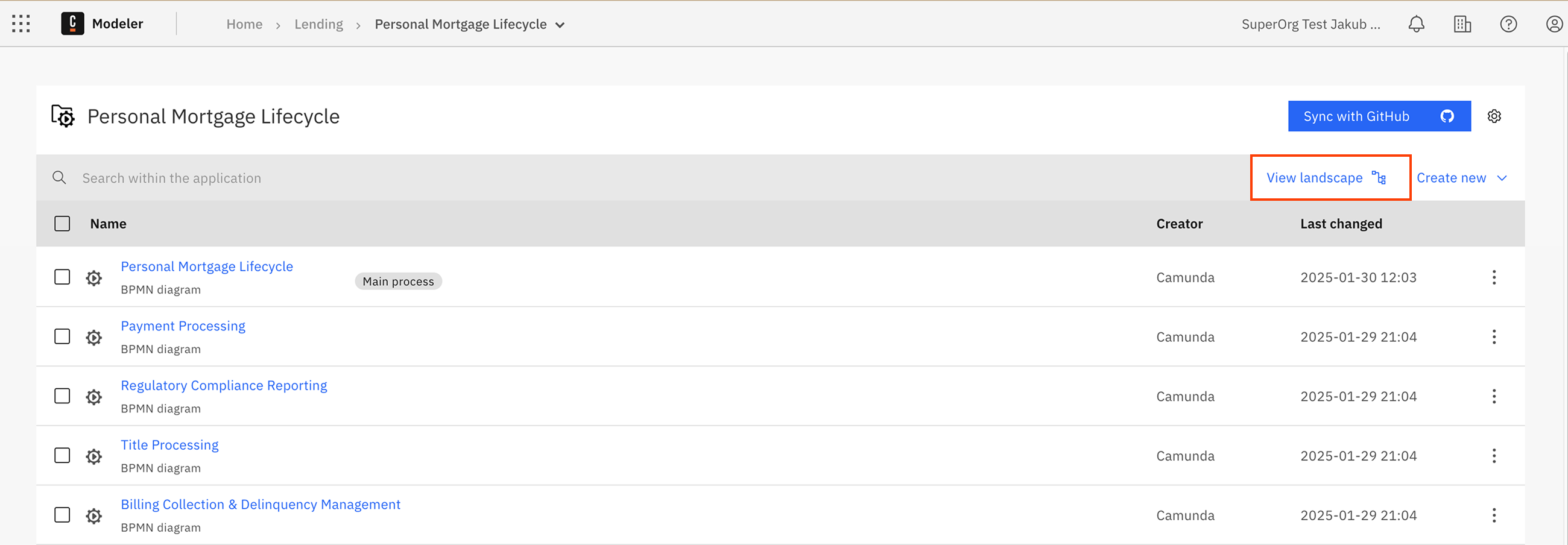
To open the process landscape view, click View landscape from any of the following views:
- Project view
- Folder view
- Process application view
Landscape view interaction
You can interact with the process landscape view in a number of ways.
View BPMN file information
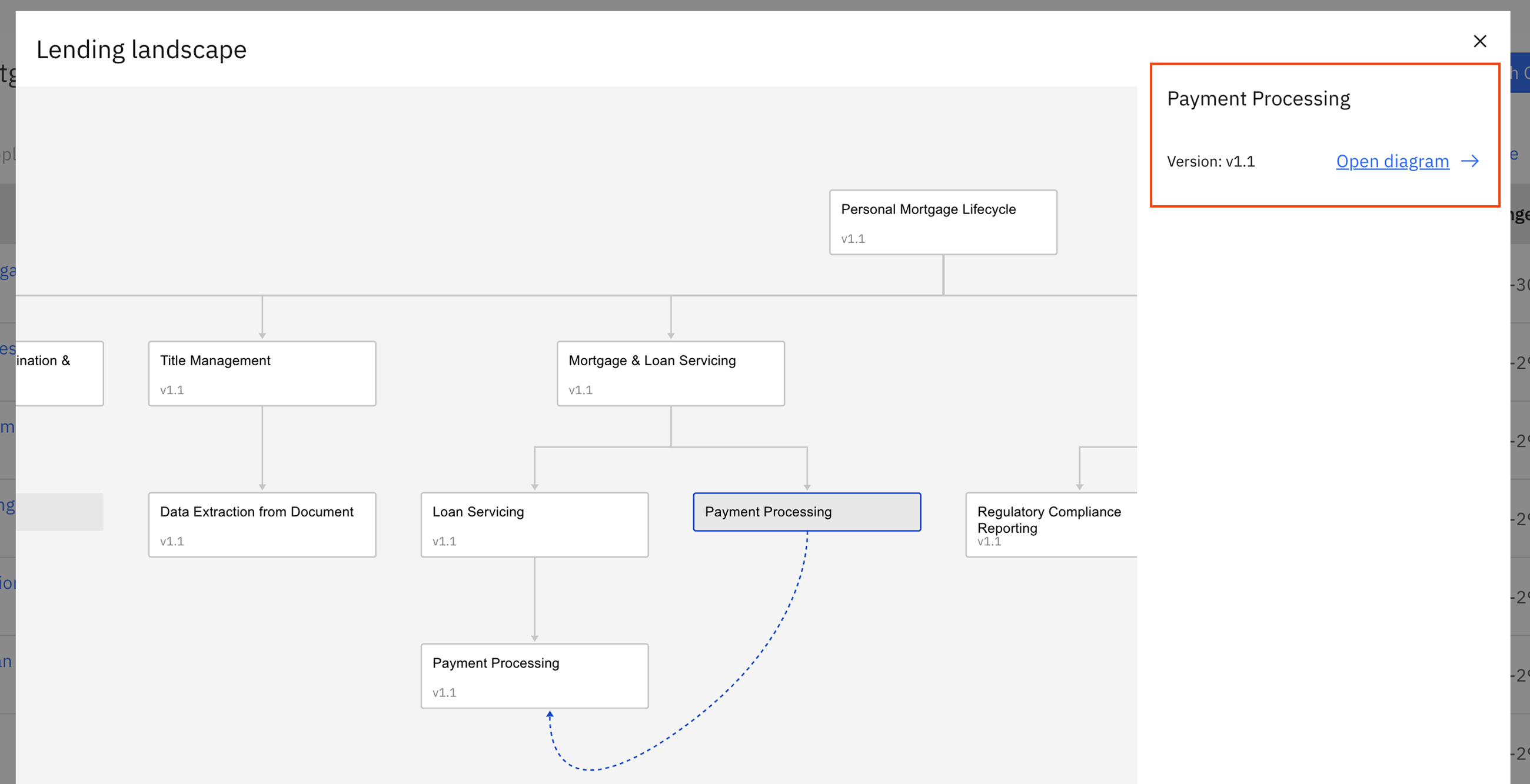
Click on any node to view the information for the selected BPMN file, including the latest version of the process on the sidebar.
note
For process applications, version tags represent a unified "versioned" snapshot of all process application files rather than separate versions for each file (as with simple BPMN files).
Search
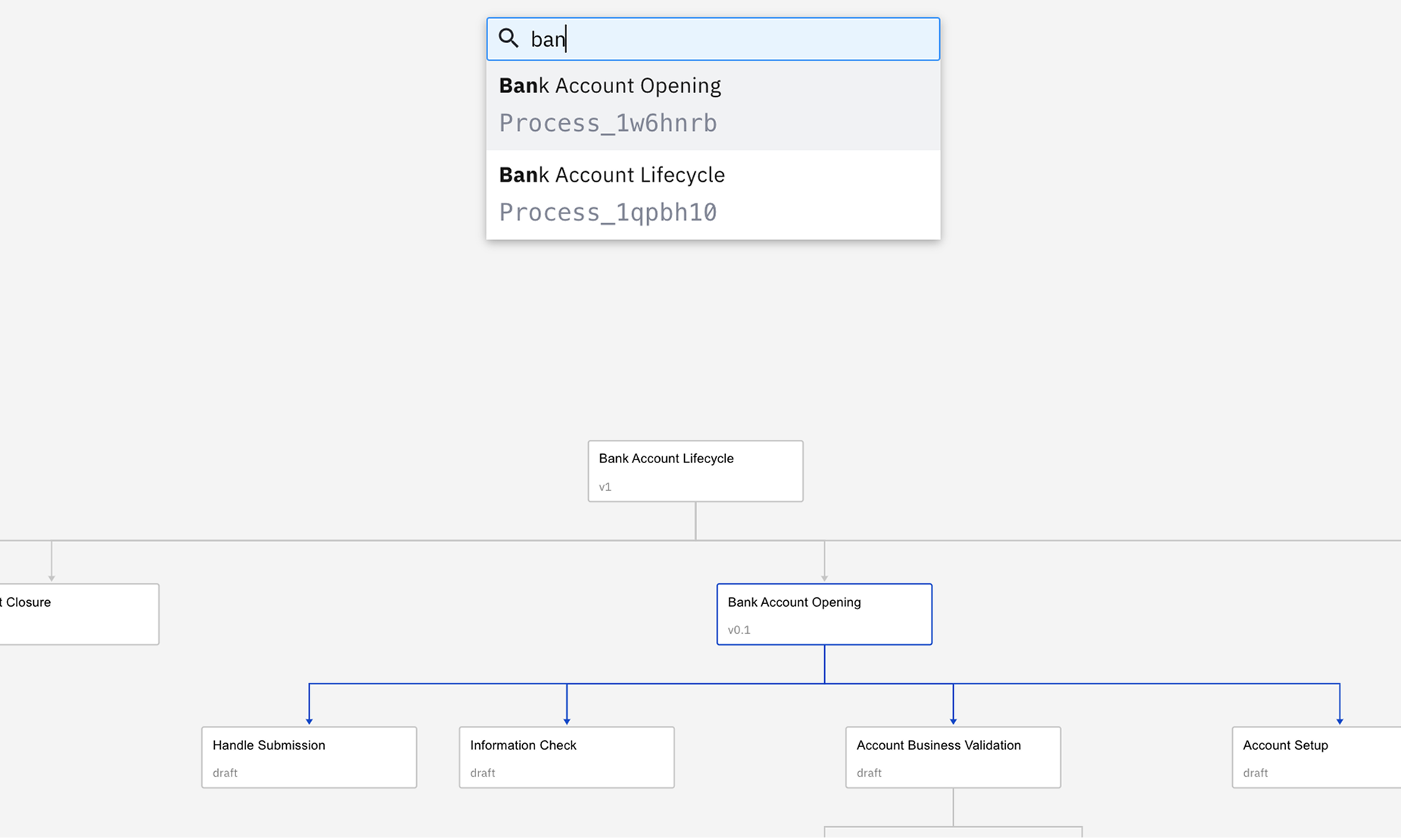
You can search the process landscape for a specific BPMN file.
- Press
Ctrl+For⌘+Fcombination to initialize search. - Enter the name or identifier of the BPMN file you want to search for and highlight.
Highlight paths
Click on a node or connection to highlight the entire hierarchy of related connections.