Process applications
In Web Modeler a process application is a type of folder that contains a main process BPMN diagram and a set of related files you can work on and deploy as a single bundle.
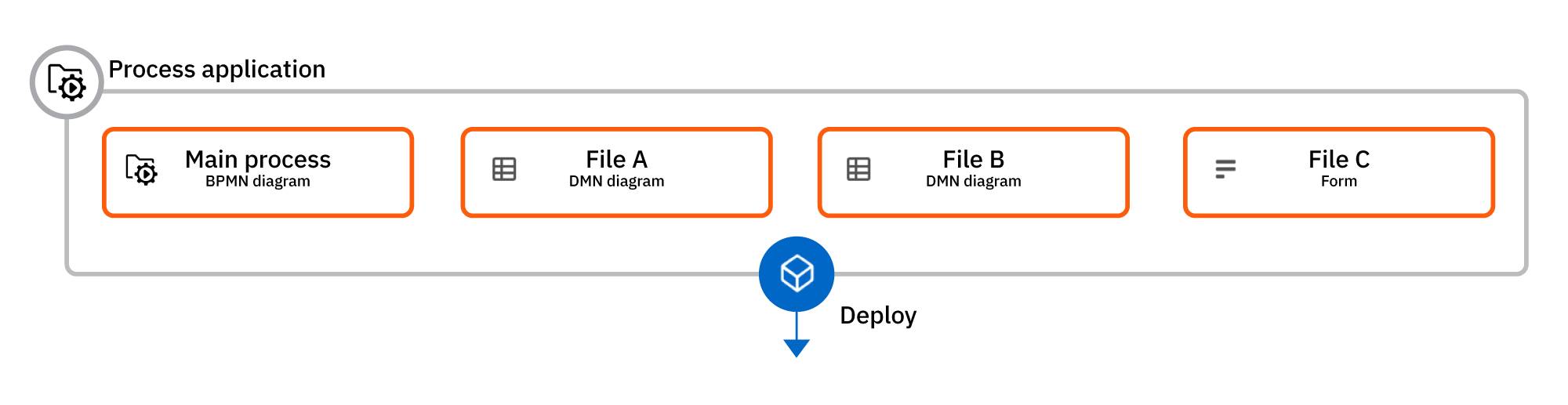
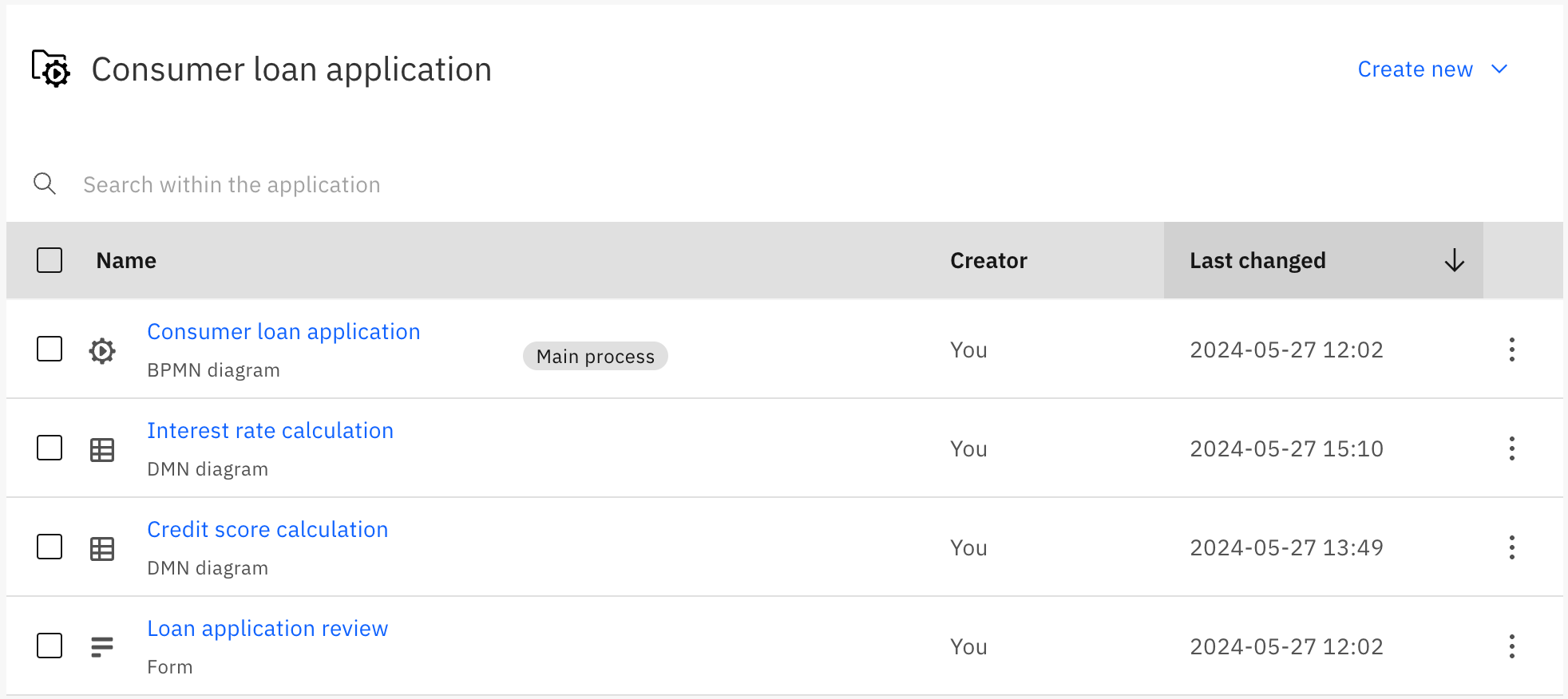
For example, a process application for a consumer loan application might consist of a main process BPMN diagram and a number of additional supporting files, such as DMN diagrams and forms.
Process application development lifecycle
In Web Modeler your can quickly develop and progress low-risk process application releases through the stages of a typical development lifecycle.
Create a process application
Get started by creating a new process application.
- When you create a process application, you must select a cluster to use for deployment during development.
- A process application must always have a main process. You can rename and reassign the main process at any time.
- You can add files to the process application as required.
Validate and deploy your process application
Validate your process application in development before deploying it to testing, staging, or production.
Process application versioning
Use versioning to save a single snapshot of all the process application files in one action.
Known limitations
You should be aware of the following limitations when working with process applications.
General limitations
- You cannot create folders inside a process application folder.
- Self-Managed does not support defining cluster stages, identifying clusters by tags, or cluster promotion.
Deployment limitations
- Process applications can only be deployed to a Zeebe cluster in version 8.4.0 or higher.
- You cannot deploy individual files that are part of a process application; the application is always deployed as a whole.
- When you deploy a process application, only the main process is validated for missing Connector secrets.
- The overall size of the deployment bundle is limited due to a maximum record size of 4 MB in Zeebe.
- The limit is effectively between 2 and 3 MB, as Zeebe writes more data to the log stream than just the raw deployment.
- If you exceed the limit, you are shown an error message:
Command 'CREATE' rejected with code 'EXCEEDED_BATCH_RECORD_SIZE'.