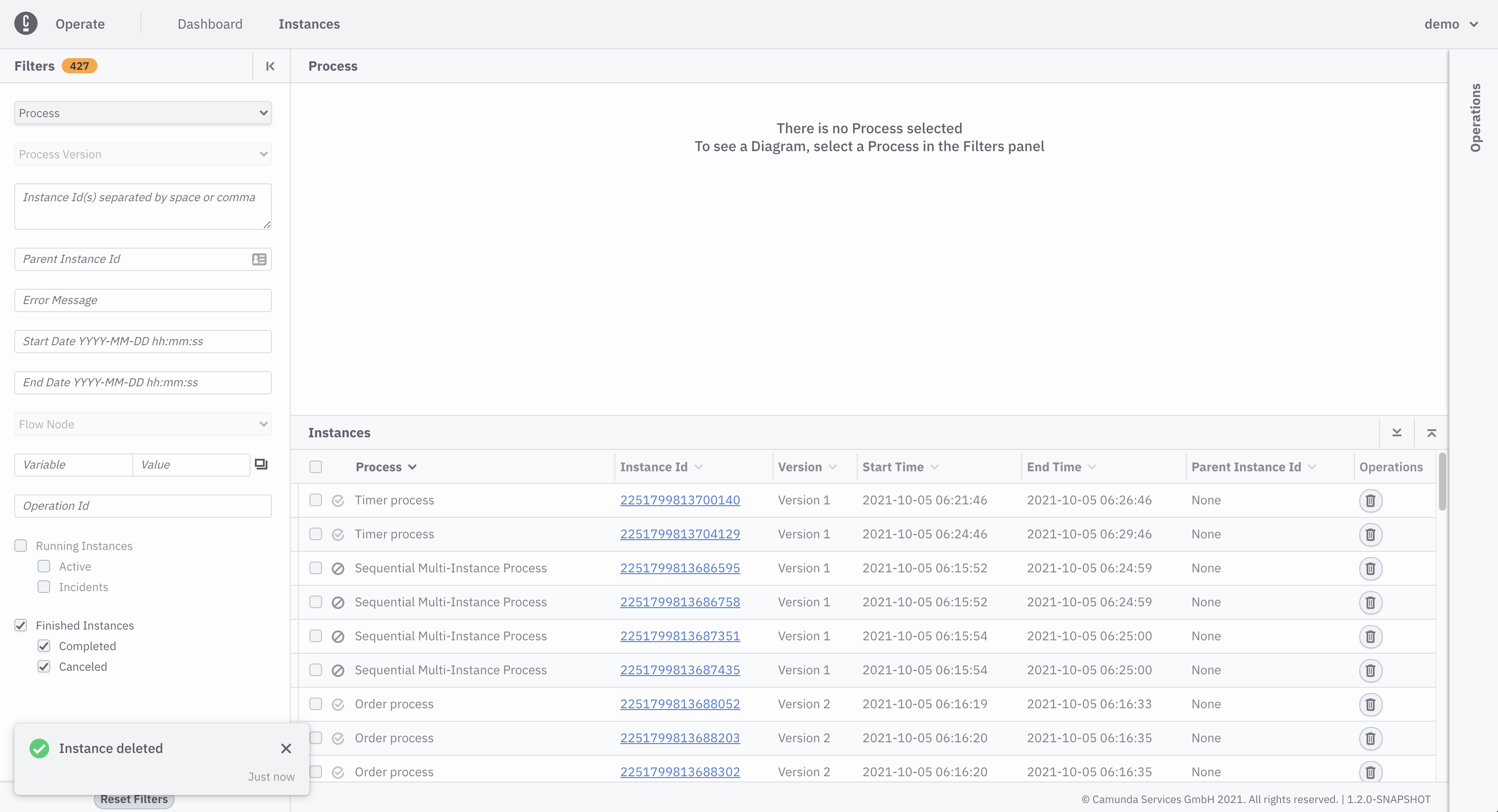
Delete finished instances
A finished process instance, meaning a canceled or a completed process instance, can be deleted from instances page or instance detail page.
Delete process instance from instances page
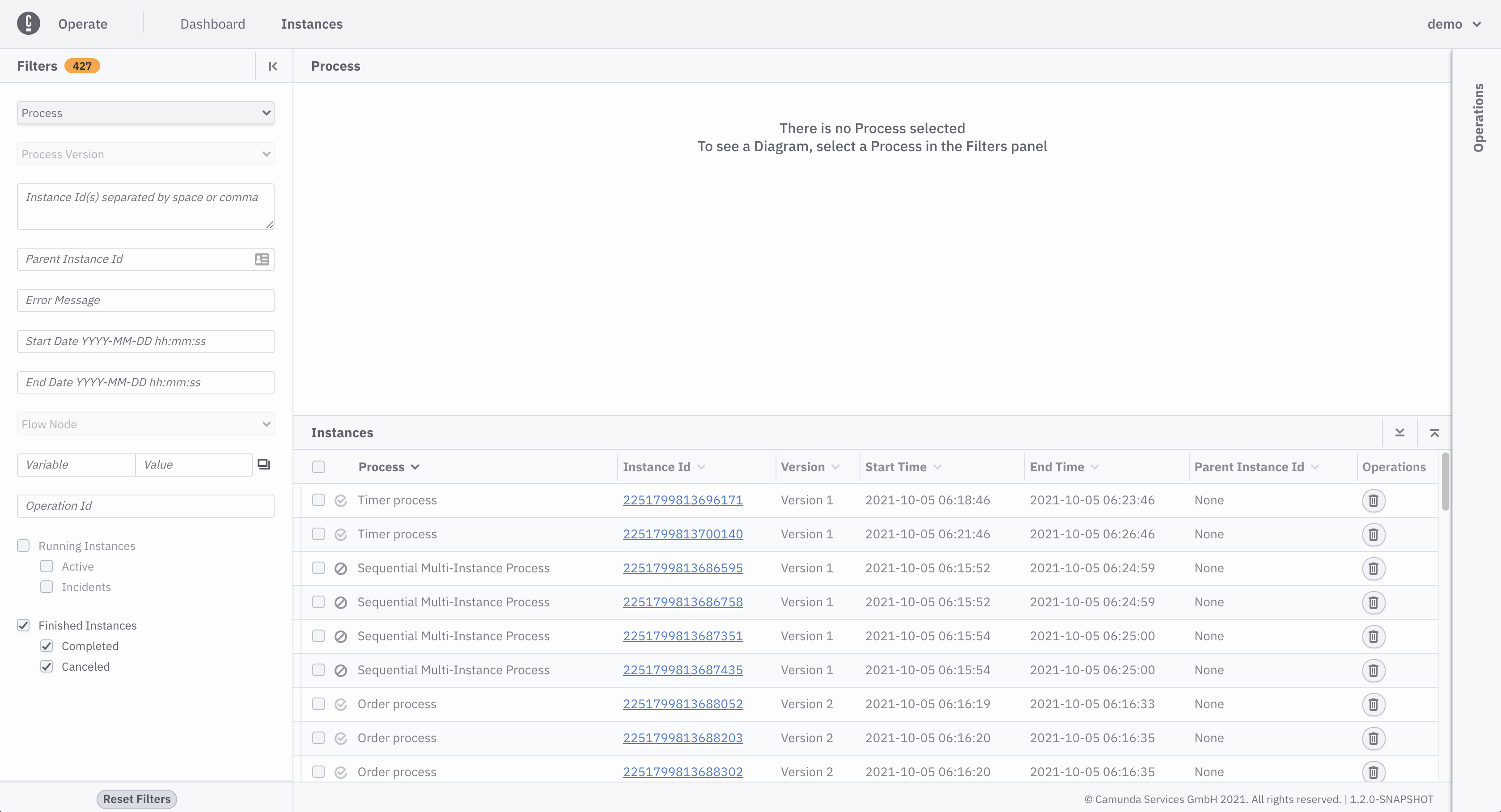
- On instances page, apply Finished Instances filter
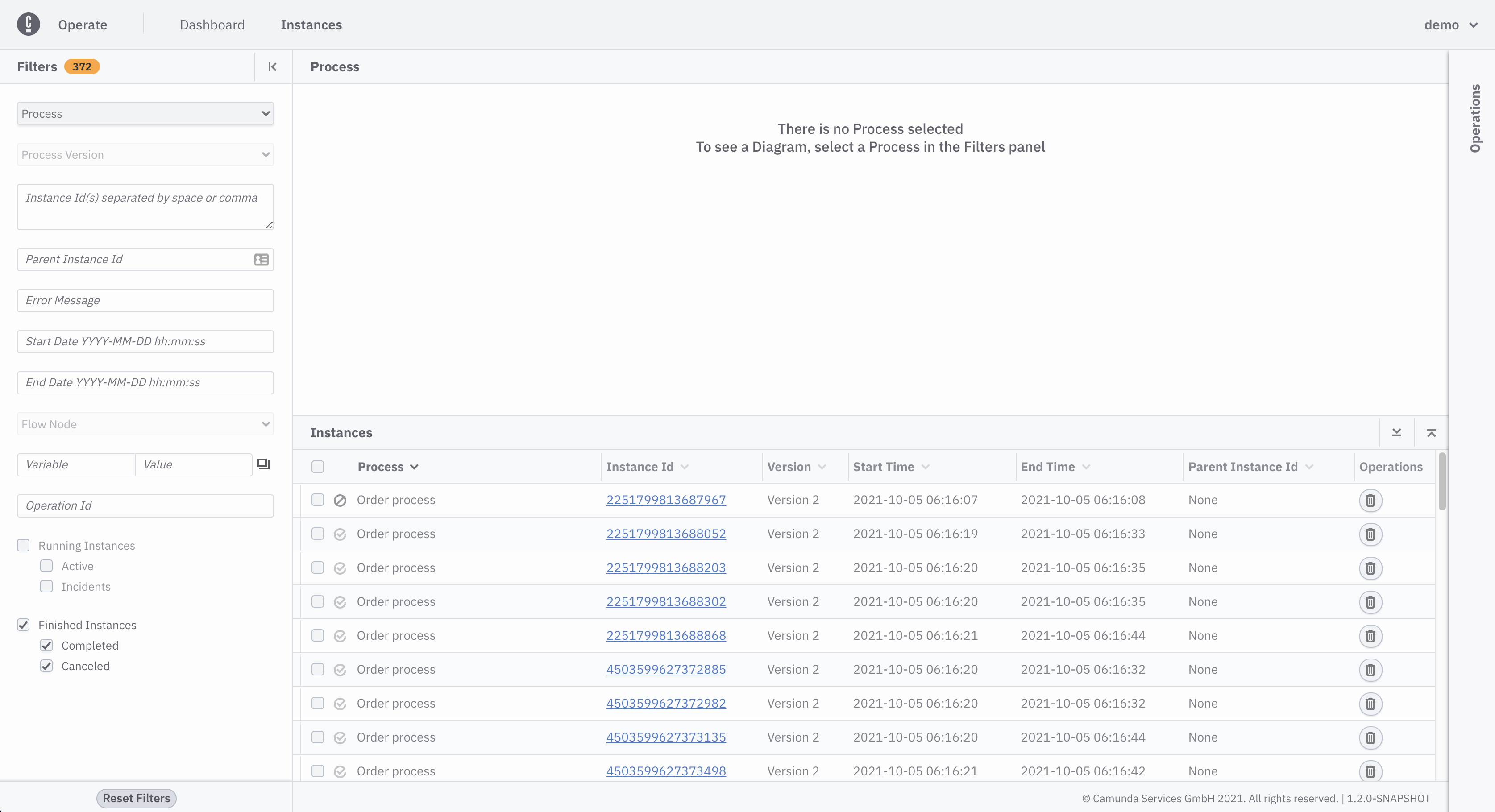
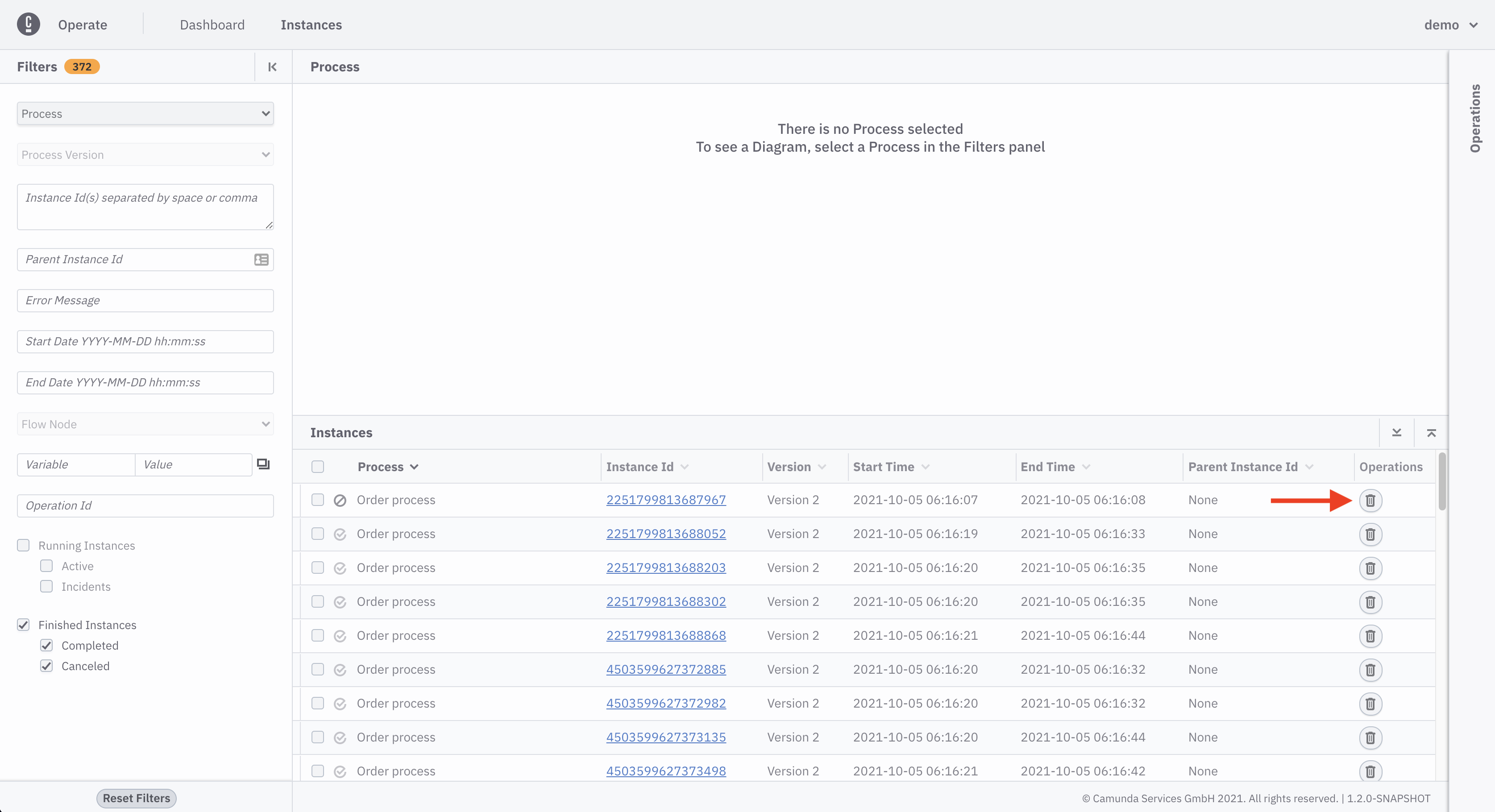
- Click delete icon on any process instance you want to delete
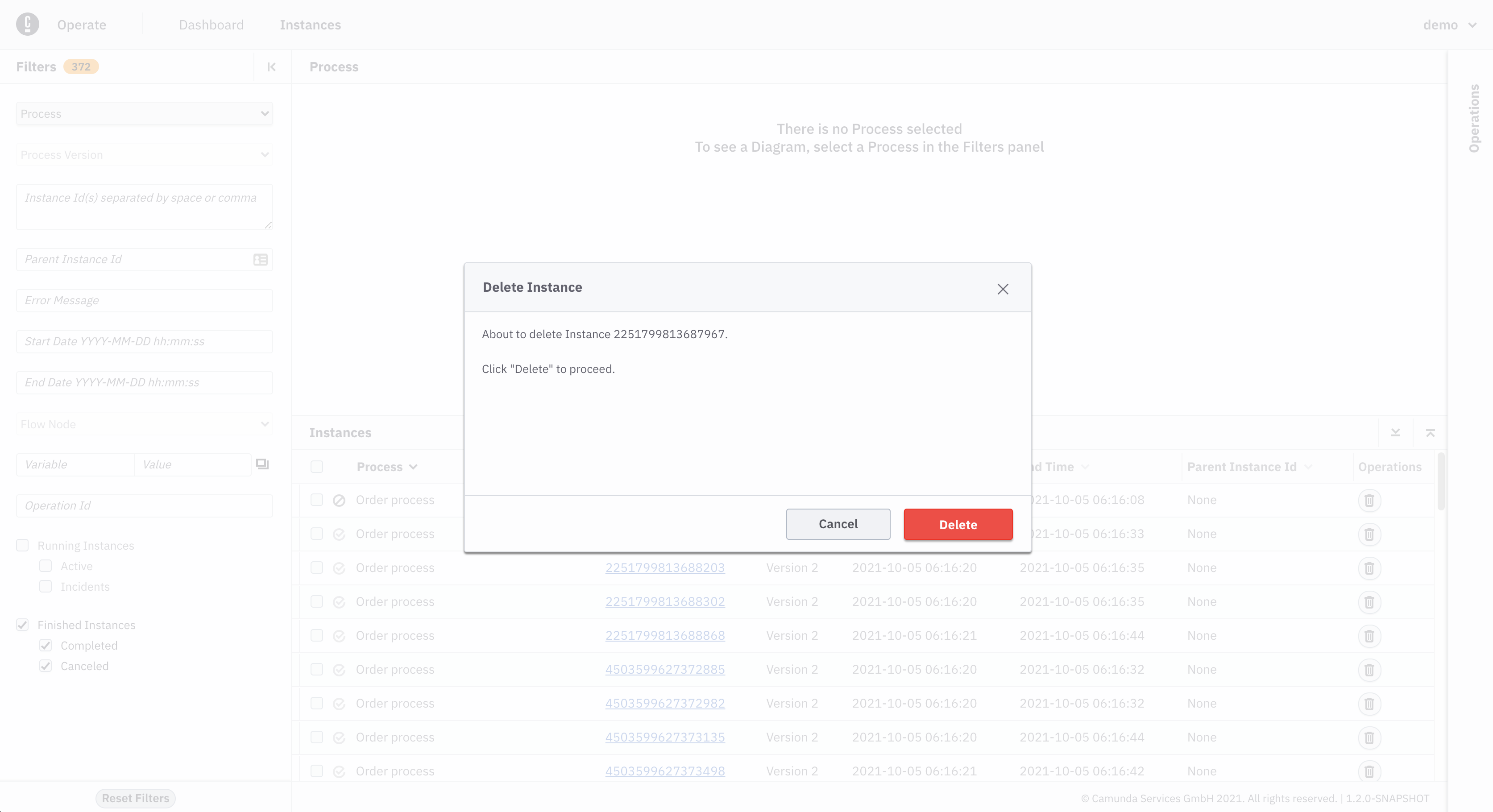
- Confirm the delete operation by clicking 'Delete'
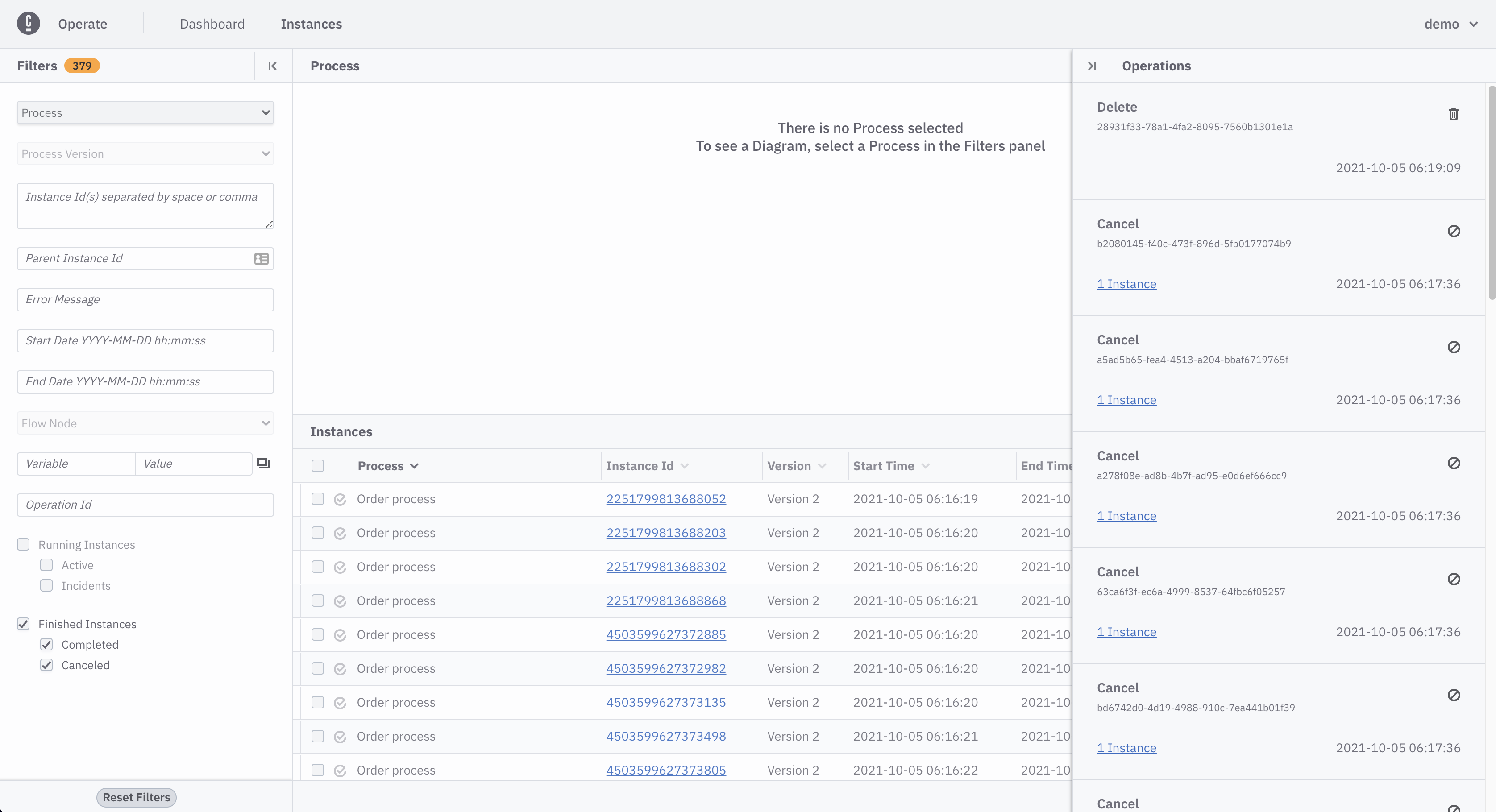
- Delete operation can be seen in operations panel
Delete process instance from instance detail page
- On instances page, apply Finished Instances filter
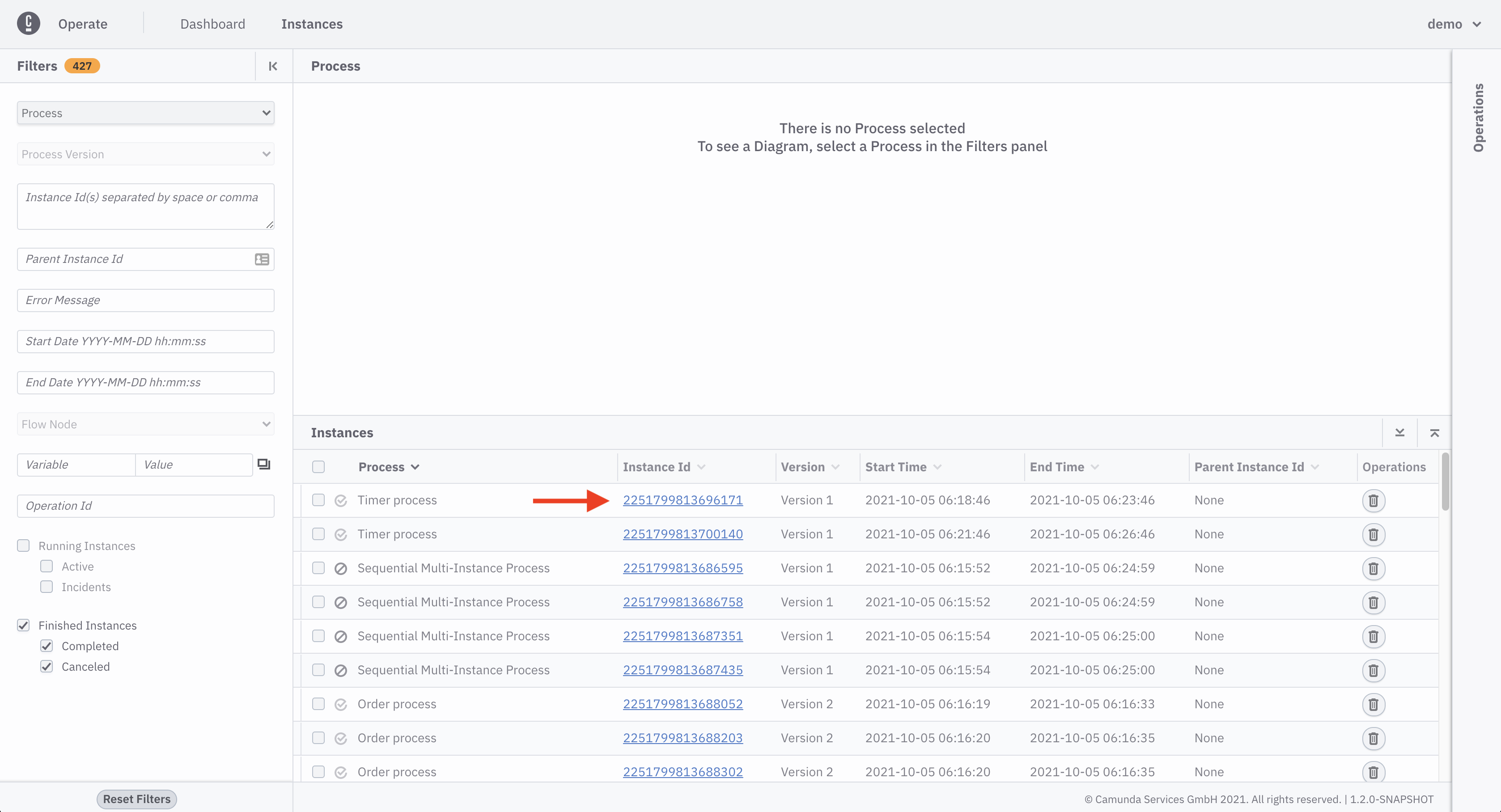
- Navigate to instance detail page, by clicking the id of the process instance you want to delete
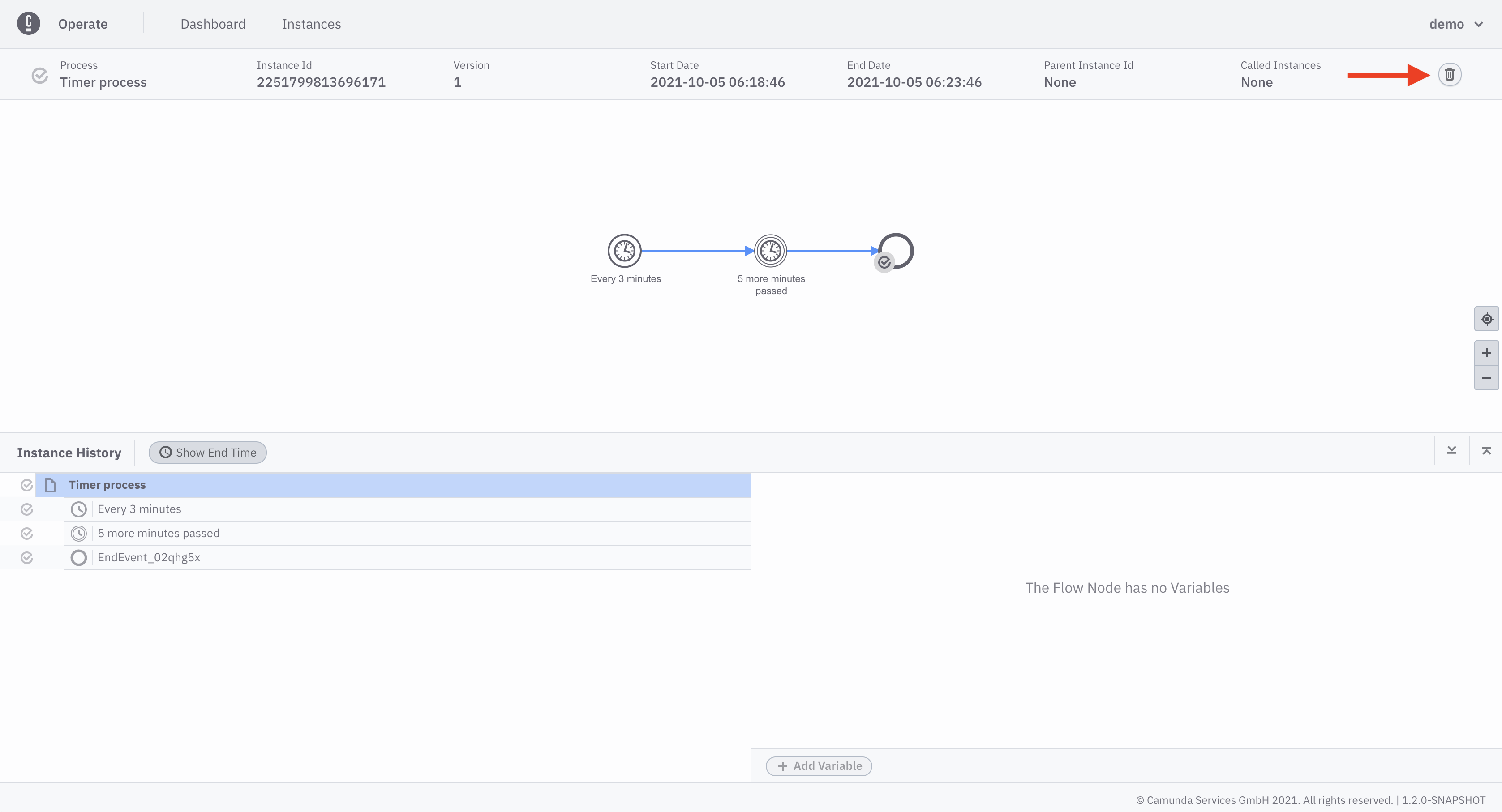
- Click the delete icon
- Confirm the delete operation by clicking 'Delete'
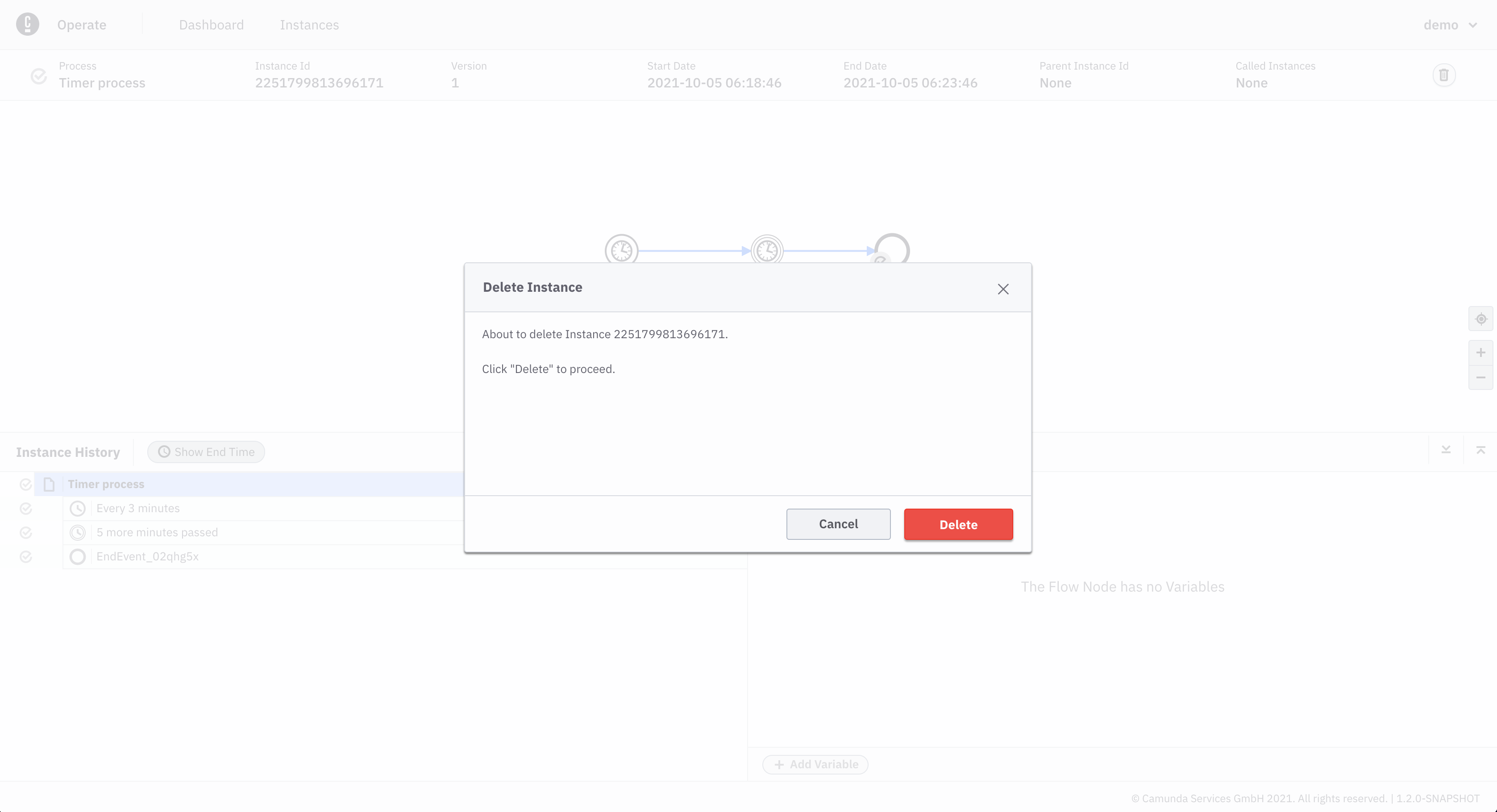
- Process instance is deleted